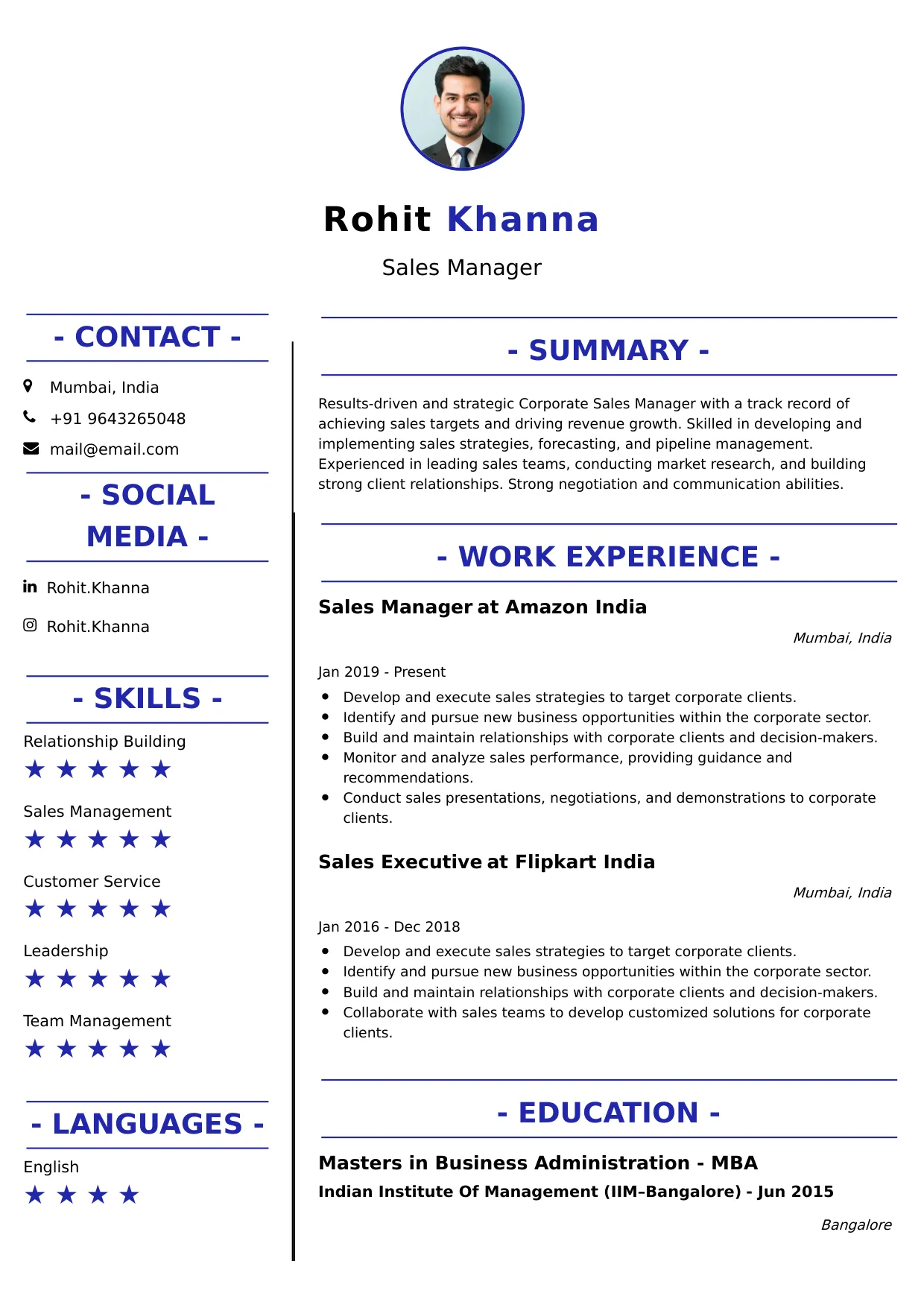
Systems Administrator
Welcome to our Systems Administrator resume sample page! This expertly crafted resume template is designed to showcase your expertise in managing, configuring, and troubleshooting server operating systems (Windows/Linux), network services, virtualization, cloud infrastructure, and implementing security/backup policies to ensure high system uptime and reliability. Whether you manage physical or virtual environments, this sample highlights key skills like System Administration, Virtualization (VMware/Hyper-V), Active Directory/GPO, Cloud Services (Azure/AWS), and Scripting (PowerShell/Bash) tailored to meet top corporate IT demands. Use this guide to create a polished, results-driven resume that stands out and secures your next career opportunity.
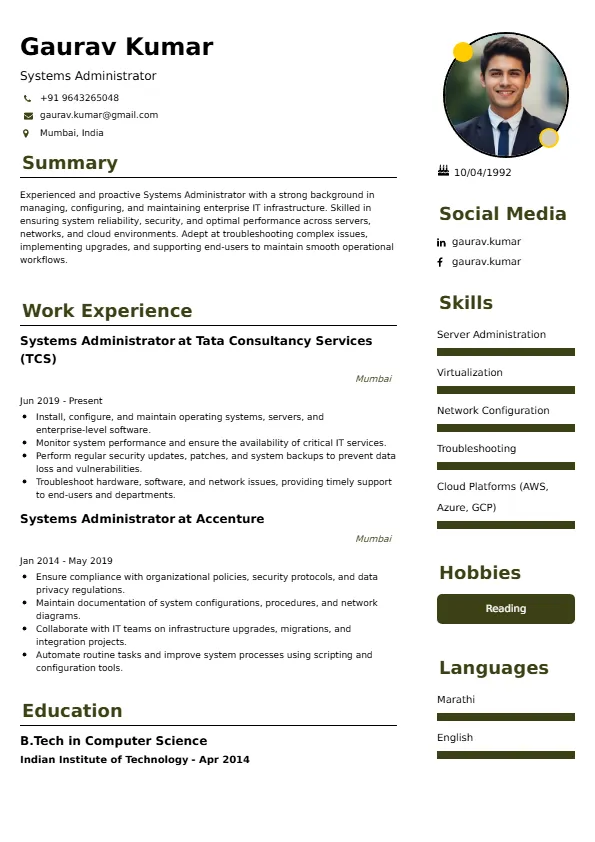
Superbresume.com empowers Systems Administrators to craft resumes that highlight their infrastructure reliability and automation expertise. Our platform offers customizable templates tailored for core IT roles, emphasizing skills like patch management, high availability (HA) configuration, security hardening (GPO/SELinux), and managing hybrid cloud environments. With ATS-optimized formats, expert-written content suggestions, and real-time resume analysis, we ensure your resume aligns with job descriptions. Showcase your experience in successfully migrating services to the cloud, significantly improving server uptime, or automating routine administrative tasks with configuration management tools with confidence. Superbresume.com helps you create a polished, results-driven resume that grabs hiring managers’ attention and lands interviews.
How to Write a Resume for a Systems Administrator
Craft a Targeted Summary: Write a 2-3 sentence summary highlighting your expertise in large-scale system and network administration, proficiency in Active Directory, Virtualization, and Cloud, and success in ensuring high system availability, security, and performance.
Use Reverse-Chronological Format: List recent Systems Administrator, IT Administrator, or senior infrastructure roles first, focusing on measurable automation and uptime achievements.
Highlight Certifications/Training: Include credentials like Microsoft Certified: Azure/Windows Server Admin, CompTIA Server+, VMware VCP, RHCSA/RHCE, or relevant cloud certifications to boost credibility.
Quantify Achievements: Use metrics, e.g., “Maintained 99.99% uptime for all critical virtualized servers over a 3-year period through proactive monitoring and failover configuration,” or “Automated 25 routine provisioning and maintenance tasks using PowerShell/Bash, saving the team 20 hours of manual work weekly,” to show impact.
Incorporate Keywords: Use terms like “System Administration (Windows/Linux),” “Virtualization (VMware/Hyper-V),” “Active Directory (AD) & Group Policy (GPO),” “Cloud Infrastructure (Azure/AWS),” “Disaster Recovery (DR),” “Patch Management,” or “PowerShell/Bash Scripting” from job roles for ATS.
Detail Technical Skills: List proficiency with specific operating systems, virtualization platforms, cloud services, configuration management tools (Ansible/Puppet), monitoring (Nagios, Prometheus), and storage systems (SAN/NAS) in a comprehensive skills section.
Showcase Infrastructure Projects: Highlight 3-4 key migration, automation, or upgrade projects (e.g., cloud migration, DR implementation, server hardening), detailing the technology stack, the challenge solved, and the measurable performance/uptime outcome.
Emphasize Soft Skills: Include systematic problem-solving, attention to detail (configuration), security consciousness, time management, and strong documentation skills.
Keep It Concise: Limit your resume to 1-2 pages, focusing on relevant system, network, and cloud administration experience.
Proofread Thoroughly: Eliminate typos or jargon for a professional document.
Cloud Infrastructure and Hybrid Management: Focus on expertise provisioning, monitoring, and managing virtual machines, networking, and security across both on-premise data centers and public cloud environments (Azure, AWS, GCP).
Automation and Infrastructure as Code (IaC): Highlight proficiency using configuration management tools (Ansible, Puppet, Chef) and scripting (PowerShell/Bash) to achieve complete automation of server deployment, patching, and compliance.
Virtualization and Container Hosts: Showcase deep expertise managing large virtual environments (VMware vSphere, Hyper-V) and maintaining the underlying Linux/Windows hosts used for Docker/Kubernetes container orchestration.
Cybersecurity and Hardening: Detail experience implementing security baselines, enforcing security policies (GPO, SELinux), managing privileged access, and ensuring compliance with frameworks like CIS Benchmarks.
High Availability (HA) and Disaster Recovery (DR): Emphasize designing, implementing, and regularly testing clustering technologies and robust backup/DR solutions (e.g., Veeam, Azure Backup) to ensure business continuity.
Metrics-Driven Achievements: Use results like “Reduced server patching cycle time by 50% by implementing a centralized automation tool (Ansible)” or “Consolidated 10 physical servers into a virtual environment, saving $X in annual cooling and power costs.”
Microsoft 365 and Hybrid Identity: Include expertise managing Microsoft 365 services and supporting the integration of on-premise Active Directory with Azure AD for hybrid identity management.
Monitoring and Observability: Highlight experience deploying and utilizing advanced monitoring tools (e.g., Prometheus, Grafana, ELK stack) for proactive system health checks, capacity planning, and performance baselining.
Choose Superbresume.com to craft a Systems Administrator resume that stands out in the essential infrastructure management sector. Our platform offers tailored templates optimized for ATS, ensuring your skills in automation, virtualization, and cloud infrastructure shine. With expert guidance, pre-written content, and real-time feedback, we help you highlight achievements like boosting system uptime or automating administrative tasks. Whether you manage Windows, Linux, or hybrid environments, our tools make it easy to create a polished, results-driven resume. Trust Superbresume.com to showcase your expertise in reliable, secure, and efficient server operations. Start building your career today!
20 Key Skills for a Systems Administrator Resume
| Windows/Linux Server Administration | Virtualization (VMware vSphere/Hyper-V) |
| Active Directory (AD) & Group Policy (GPO) Management | Cloud Infrastructure Management (Azure/AWS) |
| PowerShell/Bash Scripting for Automation | Configuration Management (Ansible/Puppet) |
10 Do’s for a Systems Administrator Resume
Tailor Your Resume: Customize for the primary operating system (Windows or Linux) and the infrastructure model (on-premise or hybrid cloud).
Highlight Certifications/Training: List Azure/AWS Admin, RHCSA/RHCE, or VCP certifications prominently.
Quantify Achievements: Include metrics on system uptime achieved, time savings from automation, cost reduction from cloud migration, or volume of servers/users managed.
Use Action Verbs: Start bullet points with verbs like “managed,” “maintained,” “automated,” “migrated,” or “configured.”
Showcase Infrastructure Projects: Detail the technology stack used and the measurable performance/uptime outcome for 3-4 key projects.
Include Soft Skills: Highlight systematic problem-solving, attention to detail (configuration), security consciousness, and strong documentation skills.
Optimize for ATS: Use standard IT/systems section titles and incorporate key cloud, AD, and virtualization terms.
Keep It Professional: Use a clean, consistent font and engineering layout.
Emphasize Automation and HA: Clearly articulate expertise in using scripting and configuration management tools to ensure high availability and efficiency.
Proofread Thoroughly: Eliminate typos or jargon for a professional document.
10 Don’ts for a Systems Administrator Resume
Don’t Overload with Jargon: Avoid confusing, internal company acronyms; use standardized systems and network terminology.
Don’t Exceed Two Pages: Keep your resume concise, focusing on high-impact system and infrastructure management achievements.
Don’t Omit Dates: Include employment dates for career context.
Don’t Use Generic Templates: Tailor your resume specifically to the operational and infrastructure duties of a Systems Administrator.
Don’t List Irrelevant Skills: Focus on server/network management, cloud, virtualization, AD, and scripting.
Don’t Skip Metrics: Quantify results wherever possible; uptime, automation savings, and security scores are key metrics.
Don’t Use Complex Formats: Avoid highly stylized elements or confusing graphics.
Don’t Ignore Security/DR: Include explicit experience implementing security policies (GPO/SELinux) and managing disaster recovery.
Don’t Include Outdated Experience: Omit low-level desktop support or legacy hardware management jobs over 15 years old.
Don’t Forget to Update: Refresh for new cloud certification mastery, successful migration projects, or advanced automation scripts.
5 FAQs for a Systems Administrator Resume
Prioritize Active Directory/GPO management, Virtualization (VMware/Hyper-V), Cloud Infrastructure (Azure/AWS), PowerShell/Bash scripting, and configuration management (Ansible).
Use standard IT/systems section titles, avoid graphics, and include keywords like “AD,” “VMware,” and “Ansible.”
Yes, PowerShell or Bash proficiency for automation is highly valued and should be quantified (time saved).
Detail a project where you implemented a redundancy or failover process (e.g., clustering, multi-AZ deployment) and the resulting quantified uptime metric (e.g., 99.99%).
Use a reverse-chronological format to emphasize your most recent, high-impact system and infrastructure management achievements.
Get 5x more interviews with our crafted Resumes. We make resumes that land jobs.

Get a Free Customized Cover Letter with Resume Expert Advice
with every resume order placed, you will get a free Customized Cover letter.