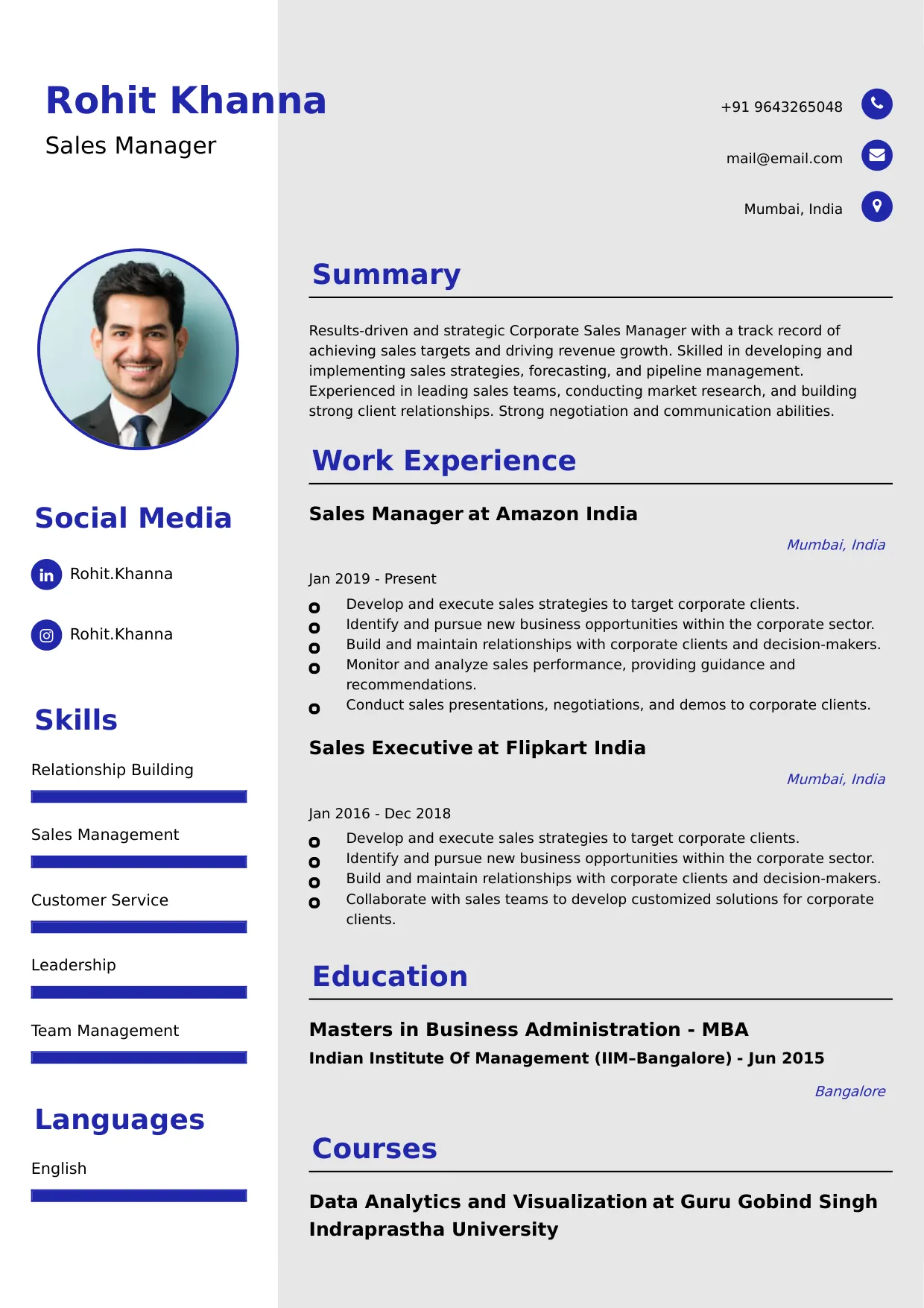
Video Editor
Welcome to our Video Editor resume sample page! This expertly crafted resume template is designed to showcase your expertise in assembling, manipulating, and refining video content (e.g., corporate, commercial, narrative) using non-linear editing (NLE) software, color correction, sound design, and graphics integration. Whether you work in post-production, marketing, or broadcasting, this sample highlights key skills like Adobe Premiere Pro/Final Cut Pro, Color Grading/Correction, Motion Graphics (After Effects), Storytelling/Pacing, and Efficient Post-Production Workflow tailored to meet top studio and agency demands. Use this guide to create a polished, results-driven resume that stands out and secures your next career opportunity.
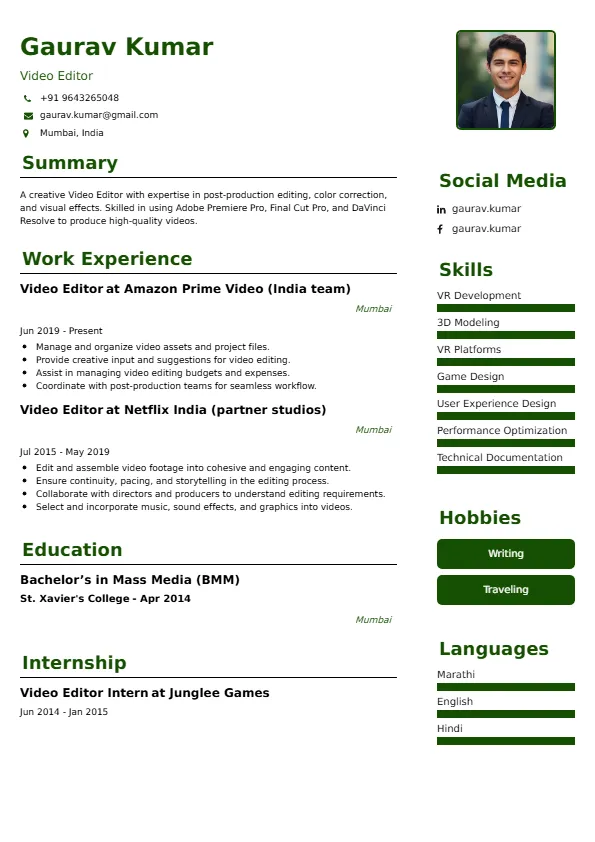
Superbresume.com empowers Video Editors to craft resumes that highlight their creative vision and technical production efficiency. Our platform offers customizable templates tailored for creative roles, emphasizing skills like proxy/codec management, archival organization, sound mixing/sweetening, and collaborative workflow (e.g., DaVinci Resolve, Avid). With ATS-optimized formats, expert-written content suggestions, and real-time feedback, we ensure your resume aligns with job descriptions. Showcase your experience in successfully completing high-volume video projects on tight deadlines, significantly improving audience retention rates, or contributing to an award-winning production with confidence. Superbresume.com helps you create a polished, results-driven resume that grabs hiring managers’ attention and lands interviews.
How to Write a Resume for a Video Editor
Craft a Targeted Summary: Write a 2-3 sentence summary highlighting your expertise in professional video editing and post-production, proficiency in NLE software and graphics integration, and success in delivering high-quality visual stories that meet client objectives and drive measurable engagement.
Use Reverse-Chronological Format: List recent video editor, post-production, or digital media roles first, focusing on measurable production volume and creative impact achievements.
Highlight Certifications/Portfolio: Include credentials like Adobe Certified Professional (Premiere/After Effects), AVID Certified User, specialized color grading training, or feature a link to your editing demo reel/portfolio to boost credibility.
Quantify Achievements: Use metrics, e.g., “Edited 50+ marketing videos annually, contributing to campaigns that achieved a 30% higher click-through rate (CTR),” or “Reduced post-production time by 2 days per project by implementing a standardized proxy workflow and streamlined asset management,” to show impact.
Incorporate Keywords: Use terms like “Non-Linear Editing (NLE) (Premiere Pro/FCPX),” “Color Correction & Grading,” “Motion Graphics (After Effects),” “Post-Production Workflow,” “Sound Design & Mixing,” “Digital Asset Management (DAM),” or “Video Storytelling & Pacing” from job descriptions for ATS.
Detail Technical Skills: List proficiency with specific NLE software, motion graphics, audio editing (Audition), codec/compression formats, archival systems, and strong version control/project organization in a comprehensive skills section.
Showcase Editing Projects: Highlight 3-4 key projects (e.g., national commercial spot, documentary short, high-engagement social media series), detailing the media type, the creative challenge (e.g., complex narrative assembly, tight deadline), and the quantified engagement/viewership result.
Emphasize Soft Skills: Include creative vision, attention to detail (continuity/audio fidelity), time management, collaboration (director/producer), and technical efficiency.
Keep It Concise: Limit your resume to 1-2 pages, focusing on relevant video editing, post-production, and technical experience.
Proofread Thoroughly: Eliminate typos or jargon for a professional document.
Remote Post-Production Workflow: Focus on expertise managing remote editing sessions, utilizing cloud-based collaboration tools (e.g., Frame.io, Adobe Team Projects), and efficiently handling large media files for remote teams.
Motion Graphics and Text Animation: Highlight proficiency utilizing After Effects or similar tools to create engaging motion graphics, lower thirds, and animated text overlays for digital content, enhancing visual communication.
Platform-Specific Editing (Social/Digital): Showcase expertise optimizing video length, aspect ratios (e.g., 9:16, 1:1), and file sizes specifically for distribution on social media platforms (TikTok, Instagram Reels, YouTube).
Color Grading and Technical Fidelity: Detail advanced skills in color correction and grading (DaVinci Resolve, Lumetri Color) to achieve a consistent visual aesthetic and ensure broadcast/web technical compliance.
Sound Design and Final Mix: Emphasize proficiency mixing and sweetening final audio tracks (eliminating noise, balancing dialogue/music/SFX) and ensuring adherence to loudness standards (LUFS).
Metrics-Driven Achievements: Use results like “Implemented a proxy workflow that reduced project rendering time by 50%” or “Successfully delivered 52 high-turnaround videos for the weekly digital series, consistently achieving 90%+ on-time publication.”
Digital Asset Management (DAM): Include experience organizing, tagging, and archiving large volumes of project files, source footage, and final outputs within a DAM system for long-term retrieval.
VR/360 Video Editing (If Applicable): Highlight experience working with specialized immersive video formats and editing tools.
Choose Superbresume.com to craft a Video Editor resume that stands out in the competitive media production sector. Our platform offers tailored templates optimized for ATS, ensuring your skills in NLE software, storytelling, and post-production workflow shine. With expert guidance, pre-written content, and real-time feedback, we help you highlight achievements like boosting audience retention or streamlining edit cycles. Whether you edit marketing videos or narrative films, our tools make it easy to create a polished, results-driven resume. Trust Superbresume.com to showcase your expertise in reliable, creative, and technically efficient visual storytelling. Start building your career today!
20 Key Skills for a Video Editor Resume
| Non-Linear Editing (NLE) (Premiere Pro/FCPX/Avid) | Color Correction & Grading (DaVinci Resolve/Lumetri) |
| Motion Graphics (Adobe After Effects) & Titling | Post-Production Workflow Management & Optimization |
| Sound Design, Mixing, & Audio Sweetening | Video Storytelling & Narrative Pacing |
10 Do’s for a Video Editor Resume
Tailor Your Resume: Customize for the specific format (e.g., emphasize motion graphics for marketing, emphasize long-form narrative for film/TV).
Highlight Certifications/Portfolio: List Adobe ACP/Avid certifications and include a link to your editing demo reel/portfolio prominently.
Quantify Achievements: Include metrics on project volume completed, time savings in workflow, audience engagement/viewership achieved, or success in meeting aggressive deadlines.
Use Action Verbs: Start bullet points with verbs like “edited,” “produced,” “optimized,” “designed,” or “managed.”
Showcase Workflow Efficiency: Detail the methodology and the strategic, quantified efficiency/creative result of 3-4 key editing projects.
Include Soft Skills: Highlight creative vision, technical precision, strong communication, and attention to detail (continuity/audio levels).
Optimize for ATS: Use standard creative/production section titles and incorporate key software and media terms.
Keep It Professional: Use a clean, consistent font and professional layout.
Emphasize NLE Mastery and Storytelling: Clearly articulate expertise in professional software and the ability to craft compelling narratives.
Proofread Thoroughly: Eliminate typos or jargon for a professional document.
10 Don’ts for a Video Editor Resume
Don’t Overload with Jargon: Avoid confusing, internal studio or project acronyms; use standardized post-production terminology.
Don’t Exceed Two Pages: Keep your resume concise; the demo reel is the most critical element.
Don’t Omit Dates: Include employment dates for career context.
Don’t Use Generic Templates: Tailor your resume specifically to the creative and technical duties of a Video Editor.
Don’t List Irrelevant Skills: Focus on editing software, graphics, audio, and post-production workflow.
Don’t Skip Metrics: Quantify results wherever possible; link achievements to time savings, completion volume, or audience engagement.
Don’t Use Complex Formats: Avoid highly stylized elements or confusing graphics.
Don’t Ignore Workflow: Include explicit experience managing media, proxies, and project organization.
Don’t Include Outdated Experience: Omit non-editing or non-media jobs over 15 years old.
Don’t Forget to Update: Refresh for new software mastery, successful project completions, or advanced color grading training.
5 FAQs for a Video Editor Resume
Prioritize Adobe Premiere Pro/Final Cut Pro mastery, Color Correction/Grading, Motion Graphics (After Effects), Sound Design/Mixing, and efficient post-production workflow.
Use standard production section titles, avoid graphics, and include keywords like “Premiere Pro,” “Color Grading,” and “Motion Graphics.”
Yes, a link to your demo reel or portfolio is mandatory for this role.
Detail a process change (e.g., implementing a proxy/archival system) and the resulting quantified reduction in time (e.g., 20% faster project turnaround).
Use a reverse-chronological format to emphasize your most recent, high-impact editing and post-production achievements.
Get 5x more interviews with our crafted Resumes. We make resumes that land jobs.

Get a Free Customized Cover Letter with Resume Expert Advice
with every resume order placed, you will get a free Customized Cover letter.