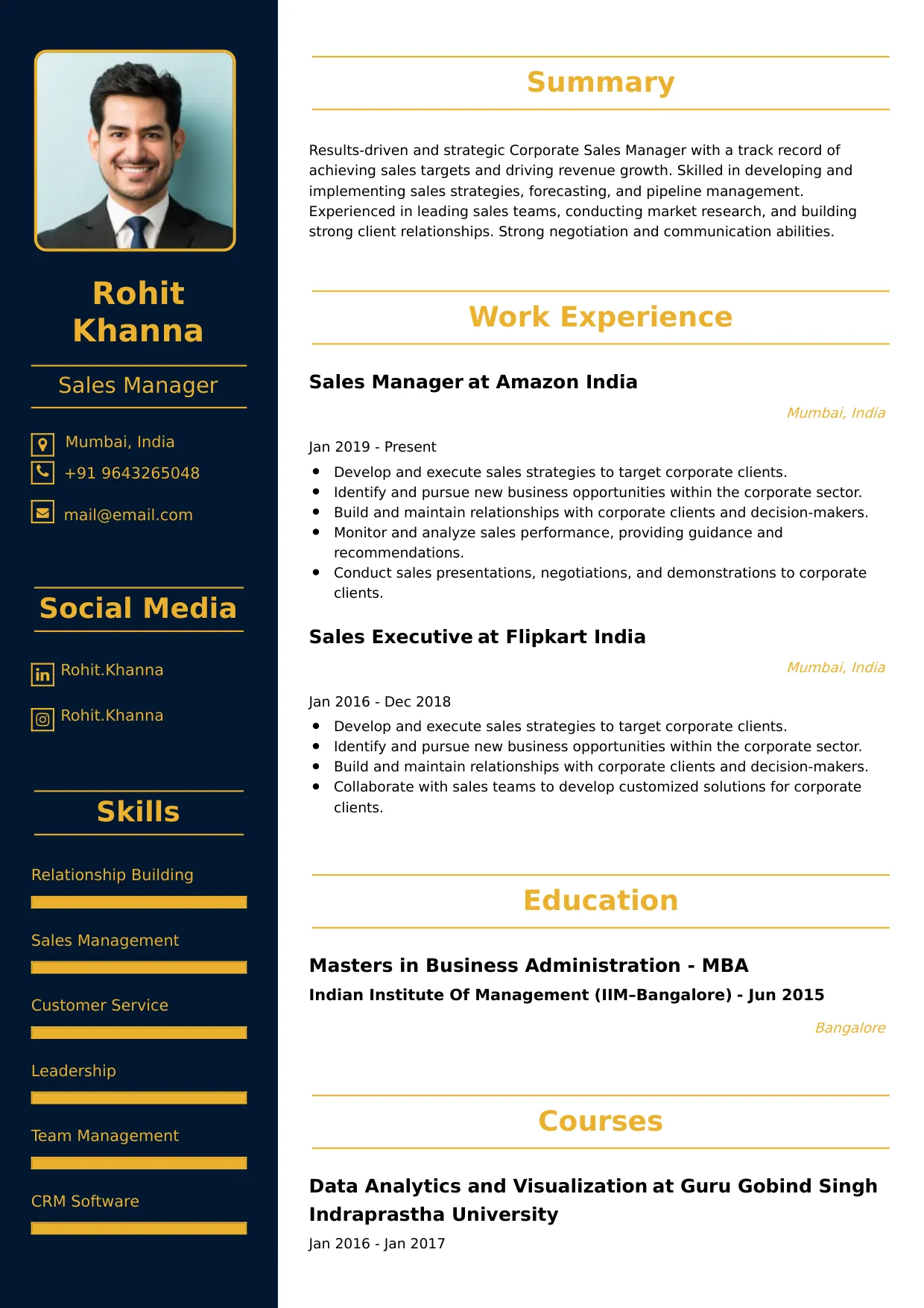
Photo Editor
Welcome to our Photo Editor resume sample page! This expertly crafted resume template is designed to showcase your expertise in retouching, manipulating, correcting, and preparing digital images for print, web, and various media platforms, while adhering to strict brand and quality guidelines. Whether you work in publishing, e-commerce, or creative agencies, this sample highlights key skills like Adobe Creative Suite (Photoshop/Lightroom), Color Correction/Grading, High-Volume Retouching, Workflow Optimization, and File Management tailored to meet top creative demands. Use this guide to create a polished, results-driven resume that stands out and secures your next career opportunity.
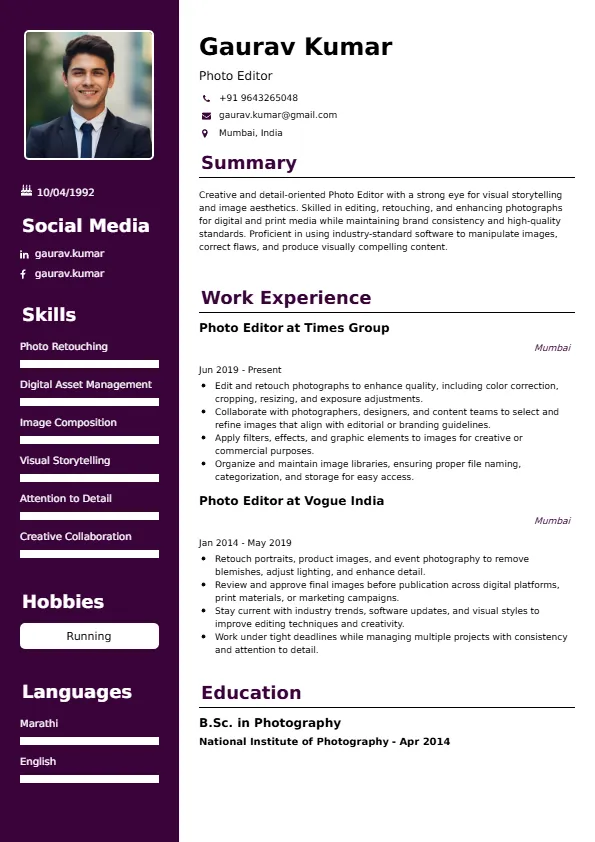
Superbresume.com empowers Photo Editors to craft resumes that highlight their technical skill and visual production efficiency. Our platform offers customizable templates tailored for creative roles, emphasizing skills like advanced masking/compositing, color management (CMYK/RGB), batch processing/automation, and adherence to tight production deadlines. With ATS-optimized formats, expert-written content suggestions, and real-time resume analysis, we ensure your resume aligns with job descriptions. Showcase your experience in consistently achieving high-quality image standards, significantly speeding up the post-production workflow, or maintaining a flawless digital asset library with confidence. Superbresume.com helps you create a polished, results-driven resume that grabs hiring managers’ attention and lands interviews.
How to Write a Resume for a Photo Editor
Craft a Targeted Summary: Write a 2-3 sentence summary highlighting your expertise in professional photo retouching and editing, proficiency in the Adobe Creative Suite, and success in optimizing post-production workflow and maintaining high visual quality standards for print and digital media.
Use Reverse-Chronological Format: List recent photo editing, visual production, or graphic design roles first, focusing on measurable production volume and quality achievements.
Highlight Certifications/Portfolio: Include credentials like Adobe Certified Professional (ACP) in Photoshop/Lightroom, specialized retouching training, or relevant degrees (Photography/Design) and prominently feature a link to your editing portfolio to boost credibility.
Quantify Achievements: Use metrics, e.g., “Retouched 500+ product images weekly, reducing the average edit time per image by 20% through macro automation,” or “Managed the color correction for an annual catalog (2,000 images), achieving 99% color consistency across all print runs,” to show impact.
Incorporate Keywords: Use terms like “Adobe Photoshop/Lightroom Mastery,” “High-End Retouching,” “Color Correction & Grading,” “Workflow Automation (Actions/Macros),” “Digital Asset Management (DAM),” “Photo Compositing/Masking,” or “File Preparation (Print/Web)” from job descriptions for ATS.
Detail Technical Skills: List proficiency with specific software, batch processing techniques, color spaces (CMYK, RGB), resolution standards (DPI), image security (metadata removal), and version control (Cloud/Drive) in a comprehensive skills section.
Showcase Editing Projects: Highlight 3-4 key projects or responsibilities (e.g., managing the post-production for a major ad campaign, optimizing the asset library, developing new editing presets), detailing the scope, the challenge, and the quantified efficiency/quality result.
Emphasize Soft Skills: Include meticulous attention to detail, visual accuracy, time management, organizational excellence, and strong communication (with photographers/art directors).
Keep It Concise: Limit your resume to 1-2 pages, focusing on relevant photo editing, technical proficiency, and production experience.
Proofread Thoroughly: Eliminate typos or jargon for a professional document.
E-commerce Retouching and Volume: Focus on high-volume, standardized retouching for e-commerce sites (e.g., model photography, product cutouts), emphasizing speed, consistency, and efficient use of batch processing.
Color Management and Print/Web Standards: Highlight advanced expertise ensuring color accuracy across different media (CMYK for print, sRGB for web) and managing monitor calibration and color profiles.
Digital Asset Management (DAM): Showcase proficiency organizing, tagging, and archiving large volumes of high-resolution image files within a DAM system for easy retrieval by marketing/design teams.
Automation and Workflow Scripting: Detail experience writing Photoshop Actions, scripts (e.g., JavaScript/Python), or utilizing cloud services to automate repetitive tasks like resizing, watermarking, or metadata addition.
Advanced Compositing and Manipulation: Emphasize high-end retouching skills, including frequency separation, advanced cloning/healing, complex masking, and photo compositing for conceptual images.
Metrics-Driven Achievements: Use results like “Successfully reduced the average turnaround time for photo proofs from 48 hours to 24 hours” or “Developed a new catalog template that reduced the image preparation time by 10%.”
Video Editing Crossover: Include basic proficiency in video editing (Premiere Pro) or motion graphics (After Effects) to support the creation of animated assets from still photography.
Confidentiality (Pre-Release Assets): Highlight experience managing sensitive, pre-release assets with strict confidentiality and version control.
Choose Superbresume.com to craft a Photo Editor resume that stands out in the competitive creative and production sector. Our platform offers tailored templates optimized for ATS, ensuring your skills in Adobe Photoshop, retouching, and production workflow shine. With expert guidance, pre-written content, and real-time feedback, we help you highlight achievements like boosting processing speed or maintaining high image quality standards across a large volume. Whether you specialize in beauty retouching or product photography, our tools make it easy to create a polished, results-driven resume. Trust Superbresume.com to showcase your expertise in reliable, technically proficient, and visually accurate image manipulation. Start building your career today!
20 Key Skills for a Photo Editor Resume
| Adobe Photoshop & Lightroom Mastery | High-End Retouching (Skin, Product) |
| Color Correction & Grading (CMYK/RGB) | Digital Asset Management (DAM) |
| Workflow Automation (Actions/Macros) | Photo Compositing & Masking |
| Print & Web File Preparation (DPI/Resolution) | Attention to Detail (Visual Accuracy) |
10 Do’s for a Photo Editor Resume
Tailor Your Resume: Customize for the specific industry (e.g., emphasize volume/efficiency for e-commerce, emphasize creative compositing for advertising).
Highlight Certifications/Training: List Adobe ACP certification and specialized retouching/color training prominently.
Quantify Achievements: Include metrics on volume of images processed, time reduction per edit, quality consistency rates, or asset library size managed.
Use Action Verbs: Start bullet points with verbs like “retouched,” “optimized,” “managed,” “corrected,” or “automated.”
Showcase Workflow Improvements: Detail the methodology and the strategic, quantified efficiency/quality result of 3-4 key editing or production projects.
Include Soft Skills: Highlight meticulous detail, visual accuracy, strong technical proficiency, and time management.
Optimize for ATS: Use standard creative/production section titles and incorporate key software and technique terms.
Keep It Professional: Use a clean, consistent font and professional layout.
Emphasize Tools and Speed: Clearly articulate expertise in the core software and the ability to handle high-volume demands efficiently.
Proofread Thoroughly: Eliminate typos or jargon for a professional document.
10 Don’ts for a Photo Editor Resume
Don’t Overload with Jargon: Avoid confusing, internal agency or studio acronyms; use standardized photo editing and production terminology.
Don’t Exceed Two Pages: Keep your resume concise; let the portfolio do the visual selling.
Don’t Omit Dates: Include employment dates for career context.
Don’t Use Generic Templates: Tailor your resume specifically to the technical and visual duties of a Photo Editor.
Don’t List Irrelevant Skills: Focus on Adobe Suite, retouching, color theory, workflow, and file preparation.
Don’t Skip Metrics: Quantify results wherever possible; volume, speed, and accuracy are key metrics.
Don’t Use Complex Formats: Avoid highly stylized elements or confusing graphics.
Don’t Ignore Workflow: Include explicit experience optimizing the post-production pipeline (batch processing, DAM).
Don’t Include Outdated Experience: Omit non-editing or non-visual jobs over 15 years old.
Don’t Forget to Update: Refresh for new software mastery, successful workflow automation, or advanced retouching training.
5 FAQs for a Photo Editor Resume
Prioritize Adobe Photoshop/Lightroom mastery, high-end retouching/compositing, color correction/grading, and workflow automation.
Use standard creative section titles, avoid graphics, and include keywords like “Retouching,” “Compositing,” and “DAM.”
Yes, a link to your online portfolio showcasing before-and-after edits and volume work is mandatory.
Detail a process change (e.g., macro creation) and the resulting quantified reduction in time (e.g., 20% faster edit time per image).
Use a reverse-chronological format to emphasize your most recent, high-impact technical editing and production achievements.
Get 5x more interviews with our crafted Resumes. We make resumes that land jobs.

Get a Free Customized Cover Letter with Resume Expert Advice
with every resume order placed, you will get a free Customized Cover letter.