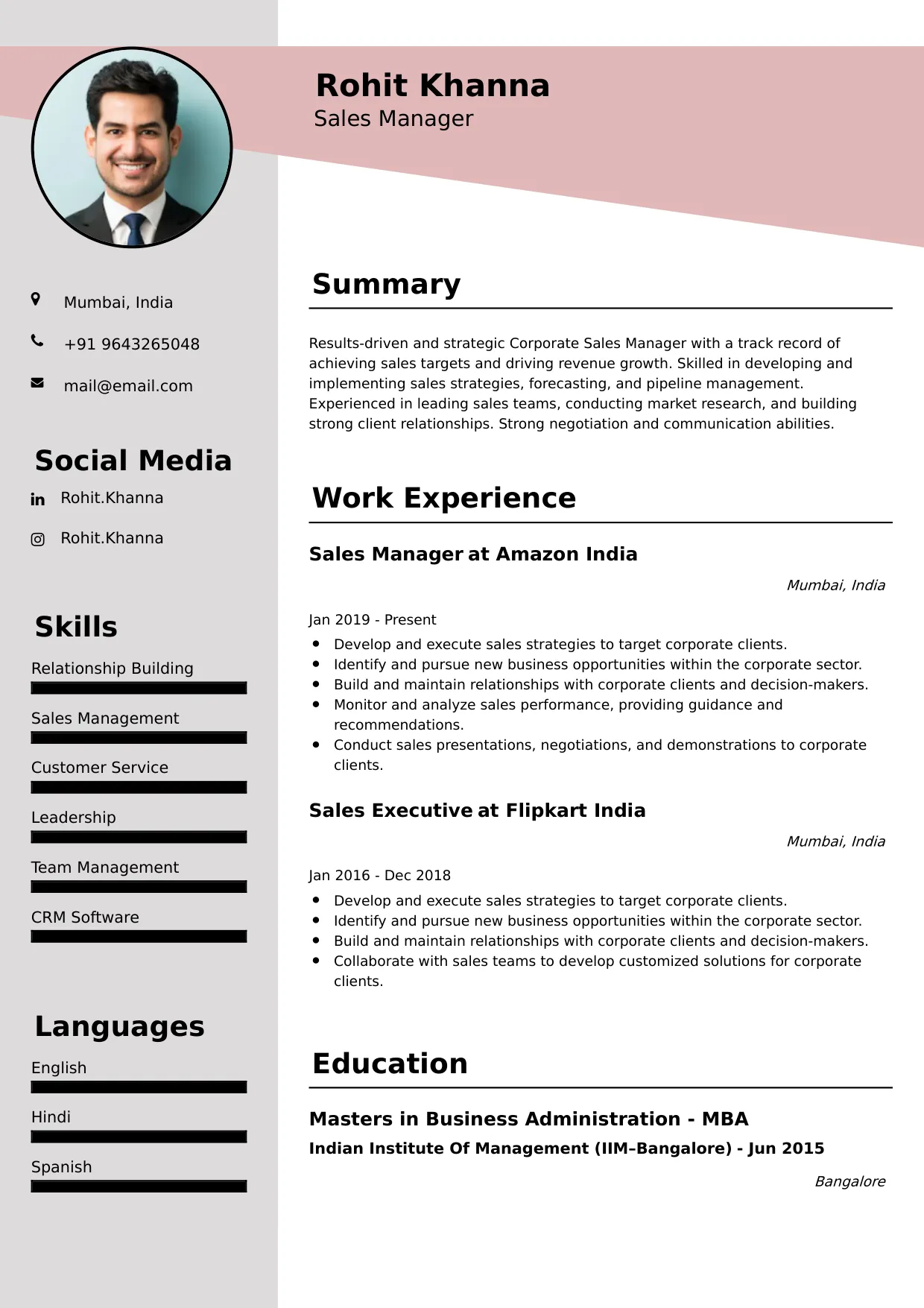
ERP Developer
Welcome to our ERP Developer resume sample page! This expertly crafted resume template is designed to showcase your expertise in customizing, integrating, and developing modules for Enterprise Resource Planning (ERP) systems (e.g., SAP, Oracle, Dynamics 365, NetSuite). Whether you're an entry-level candidate or a seasoned professional, this sample highlights key skills like ERP-specific programming languages (e.g., ABAP, X++), API integration, functional module knowledge (e.g., Finance, Supply Chain), and performance optimization tailored to meet top corporate IT and consulting demands. Use this guide to create a compelling resume that stands out and secures your next career opportunity.
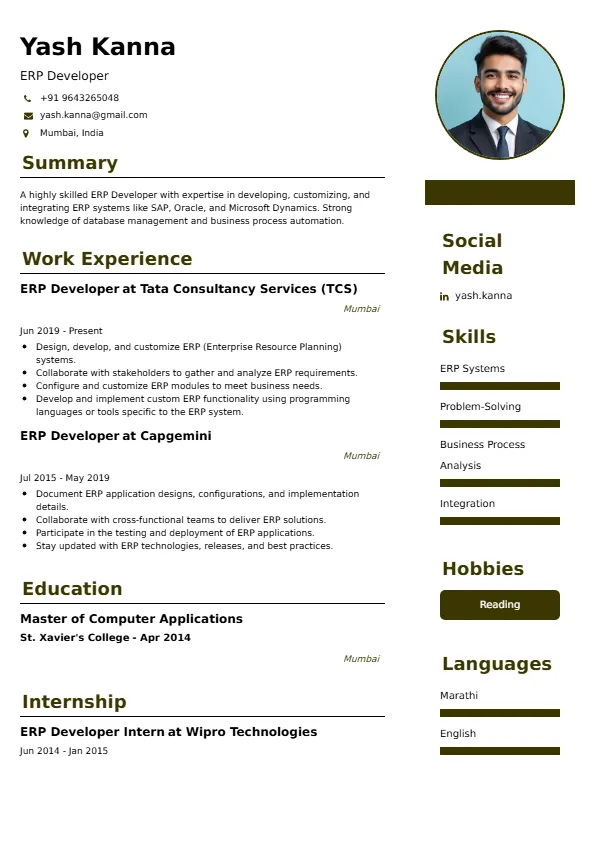
Superbresume.com empowers ERP Developers to craft resumes that highlight their system customization and critical business process integration expertise. Our platform offers customizable templates tailored for specialized development roles, emphasizing skills like ERP data migration, report development, system testing, and full lifecycle development within an ERP framework. With ATS-optimized formats, expert-written content suggestions, and real-time resume analysis, we ensure your resume aligns with job descriptions. Showcase your experience in developing custom reports that improved decision-making, integrating the ERP with critical external systems, or optimizing module performance for high-volume transactions with confidence. Superbresume.com helps you create a polished, results-driven resume that grabs hiring managers’ attention and lands interviews.
How to Write a Resume for an ERP Developer
Use Reverse-Chronological Format: List recent ERP development, customization, or systems analyst roles first, focusing on platform-specific coding and integration projects.
Highlight Certifications/Training: Include credentials like SAP Certified Development Associate (ABAP/Fiori), Oracle Certified Professional (OCP), Microsoft Certified: Dynamics 365 Developer, or relevant module training to boost credibility.
Quantify Achievements: Use metrics, e.g., “Developed a custom SAP module that reduced manual data entry in Finance by 30%,” or “Optimized a complex Oracle EBS query, reducing report generation time from 5 minutes to 30 seconds,” to show impact.
Incorporate Keywords: Use terms like “ERP Customization (SAP/Oracle/Dynamics),” “ABAP/X++ Programming,” “API Integration,” “Module Development (FI/SCM/HR),” “Data Migration,” “Report Development,” or “Performance Tuning” from job descriptions for ATS.
Detail Technical Skills: List proficiency with specific ERP platforms, programming languages (ABAP, Java, .NET, X++), reporting tools (SSRS, BI Publisher), databases (SQL), and integration protocols in a dedicated skills section.
Showcase Development Projects: Highlight 3-4 key customization or integration projects, detailing the ERP module affected, the technology stack, the business process improved, and the measurable result.
Emphasize Soft Skills: Include analytical problem-solving, attention to detail (data integrity), collaboration (with functional consultants and end-users), and understanding of core business processes.
Keep It Concise: Limit your resume to 1-2 pages, focusing on relevant ERP development, integration, and performance optimization experience.
Proofread Thoroughly: Eliminate typos or jargon for a professional document.
API and Microservices Integration: Highlight expertise integrating the ERP core with peripheral systems (e.g., E-commerce, WMS) using standard REST/SOAP APIs and microservices architecture.
Fiori/UI Development: Showcase skills in developing modern, user-friendly front-ends and mobile applications for the ERP using platform-specific UI frameworks (e.g., SAP Fiori, Dynamics Power Apps).
Data Migration and ETL: Detail expertise in complex data migration, cleansing, and transformation strategies when transitioning from legacy systems to a new ERP platform.
DevOps for ERP: Include experience applying DevOps practices (Git, CI/CD) to manage and deploy ERP code and configuration changes reliably and quickly.
Metrics-Driven Achievements: Use results like “Reduced monthly close process time by 12 hours through automated financial reporting module” or “Improved data synchronization accuracy to 99.9% following API integration.”
Functional Module Depth: Clearly articulate deep development experience within a key functional area (e.g., deep expertise in SAP PP/MM modules).
Performance Tuning for High Volume: Highlight techniques used to optimize reports, transactions, or custom code to handle peak load volumes (e.g., database indexing, code refactoring).
Choose Superbresume.com to craft an ERP Developer resume that stands out in the competitive enterprise software field. Our platform offers tailored templates optimized for ATS, ensuring your skills in platform-specific coding (e.g., ABAP), system integration, and functional module expertise shine. With expert guidance, pre-written content, and real-time feedback, we help you highlight achievements like automating business processes or optimizing critical reporting performance. Whether you specialize in SAP, Oracle, or Dynamics, our tools make it easy to create a polished, results-driven resume. Trust Superbresume.com to showcase your expertise in tailoring enterprise systems for maximum business value. Start building your career today!
20 Key Skills for an ERP Developer Resume
| ERP Platform Customization (SAP/Oracle/Dynamics) | ERP-Specific Languages (ABAP, X++, PL/SQL) |
| API Integration (REST/SOAP) | Functional Module Expertise (FI/CO, SCM, HR) |
| Data Migration & ETL (Informatica/Talend) | Performance Tuning (Queries/Custom Code) |
| Report Development (SSRS, BI Publisher) | System Testing & QA (Unit, Integration) |
| SQL & Database Management | UI/Fiori/Power Apps Development |
| Version Control (Git/TFS) | Requirements Gathering (Technical Specs) |
| Debugging & Troubleshooting | Business Process Understanding |
| Cloud ERP (S/4HANA, Dynamics 365) | Security & Authorization Configuration |
| Cross-Functional Collaboration | Agile/Scrum Methodology |
10 Do’s for an ERP Developer Resume
Tailor Your Resume: Customize for the specific ERP platform (e.g., clearly list SAP ABAP experience for an SAP role) and the functional module focus (e.g., Finance, Supply Chain).
Highlight Certifications/Training: List platform-specific developer certifications (SAP, Oracle, Microsoft) prominently.
Quantify Achievements: Include metrics on process time reduction, data integrity improvement, reporting speed optimization, or financial value of the automation implemented.
Use Action Verbs: Start bullet points with verbs like “customized,” “integrated,” “developed,” “optimized,” or “automated.”
Showcase Development Projects: Detail the technical solution and the business process improvement delivered in key ERP projects.
Include Soft Skills: Highlight analytical problem-solving, attention to data integrity, and collaboration with business users and functional teams.
Optimize for ATS: Use standard section titles and incorporate key ERP platform, language, and functional module terms.
Keep It Professional: Use a clean, consistent font and layout.
Emphasize Integration and Customization: Clearly articulate experience connecting the ERP to external systems and extending core functionality.
Proofread Carefully: Ensure no typos or errors in code names, metrics, or technical descriptions.
10 Don’ts for an ERP Developer Resume
Don’t Overload with Jargon: Avoid confusing, internal company acronyms; use standardized ERP and business process terminology.
Don’t Exceed Two Pages: Keep your resume concise, focusing on high-impact ERP development and integration achievements.
Don’t Omit Dates: Include employment dates for career context.
Don’t Use Generic Templates: Tailor your resume specifically to the high-stakes, specialized development duties of an ERP Developer.
Don’t List Irrelevant Skills: Focus on ERP platform, programming, integration, database, and functional module knowledge.
Don’t Skip Metrics: Quantify results wherever possible; link development work to process efficiency and data quality.
Don’t Use Complex Formats: Avoid highly stylized elements or confusing graphics.
Don’t Ignore Functional Knowledge: Include awareness of how your code impacts core business functions (e.g., P2P, O2C).
Don’t Include Outdated Experience: Omit non-ERP or irrelevant legacy development jobs over 15 years old.
Don’t Forget to Update: Refresh for new cloud ERP version mastery, successful module implementations, or advanced performance optimization wins.
5 FAQs for an ERP Developer Resume
Prioritize platform-specific programming (e.g., ABAP), API integration, functional module expertise, and customization/optimization of the ERP system.
Use standard section titles, avoid graphics, and include keywords like “ABAP,” “S/4HANA,” and specific functional modules (e.g., “FI/CO”).
Yes, developers must understand the business process, so list the modules you have specialized development experience in.
Detail the initial slow process (e.g., report, transaction), the technical fix (e.g., query rewrite, code optimization), and the resulting quantified speed improvement.
Use a reverse-chronological format to emphasize your most recent, high-impact ERP development and integration achievements.
Get 5x more interviews with our crafted Resumes. We make resumes that land jobs.

Get a Free Customized Cover Letter with Resume Expert Advice
with every resume order placed, you will get a free Customized Cover letter.