Prompter
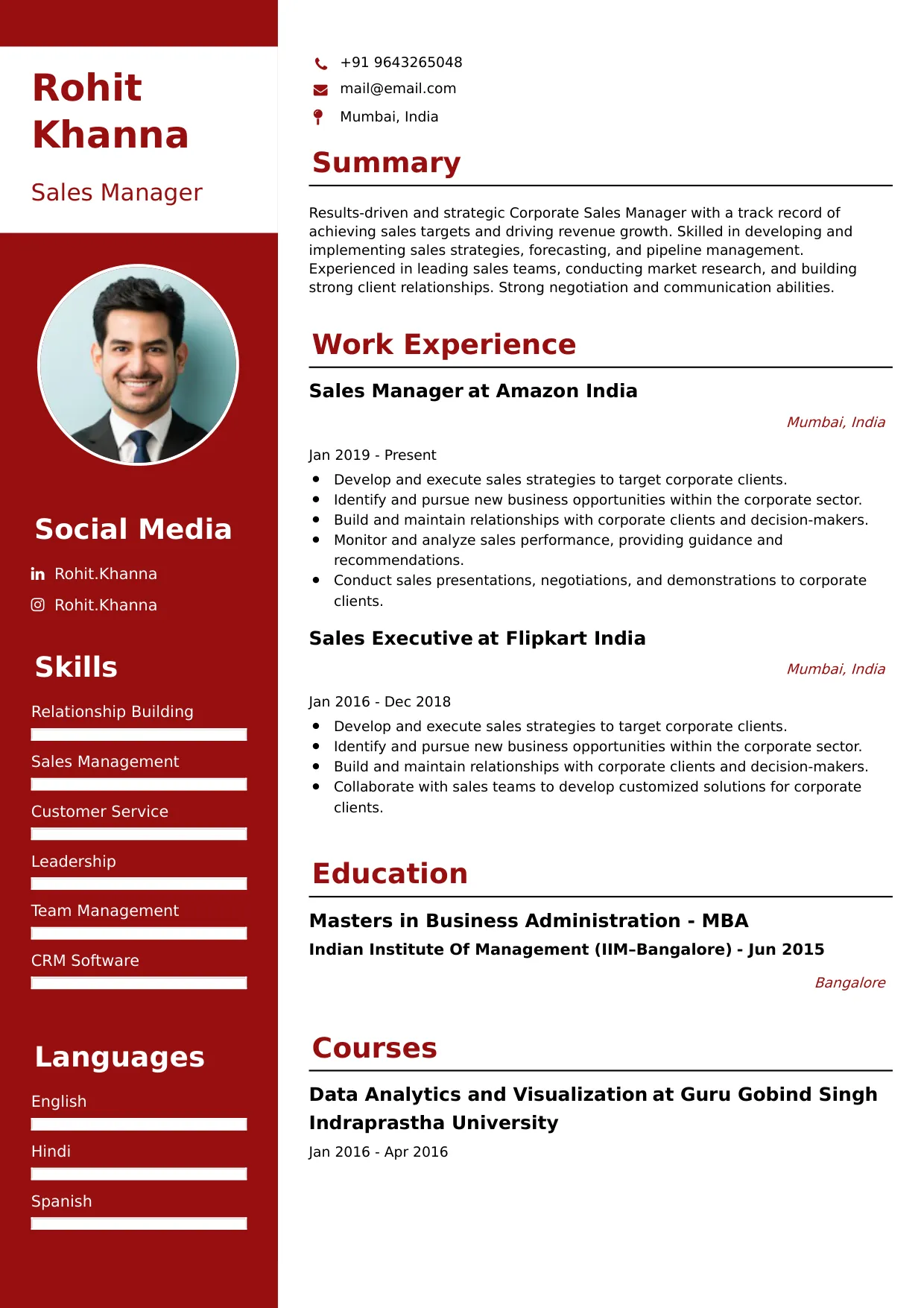
Welcome to our Prompter resume sample page! This expertly crafted resume template is designed to showcase your expertise in operating teleprompter equipment, accurately running script speed and timing, supporting talent (e.g., news anchors, executives, actors), and ensuring flawless delivery of live or recorded content. Whether you work in broadcast news, corporate video production, or live events, this sample highlights key skills like Teleprompter Software (e.g., Newsroom/Proprietary), Script Editing, Timing & Pacing, Equipment Setup/Maintenance, and Strong Communication tailored to meet top media and production demands. Use this guide to create a polished, results-driven resume that stands out and secures your next career opportunity.
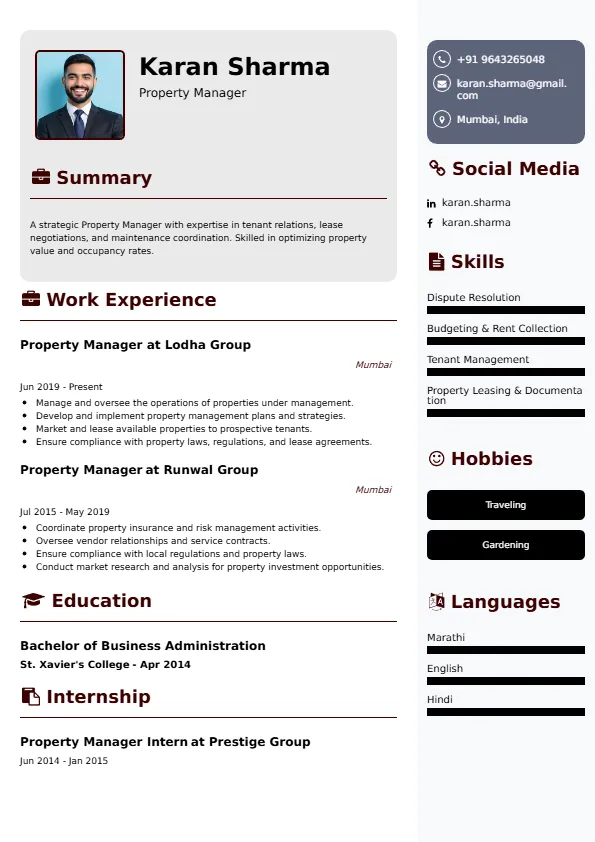
Superbresume.com empowers Prompters to craft resumes that highlight their technical synchronization and performance support expertise. Our platform offers customizable templates tailored for media production roles, emphasizing skills like quick script loading/editing, live speed control, equipment troubleshooting, and collaboration with directors/talent. With ATS-optimized formats, expert-written content suggestions, and real-time resume analysis, we ensure your resume aligns with job descriptions. Showcase your experience in flawlessly running live broadcasts, managing complex multi-camera setups, or maintaining a high level of accuracy and synchronization across varied talent reading speeds with confidence. Superbresume.com helps you create a polished, results-driven resume that grabs hiring managers’ attention and lands interviews.
How to Write a Resume for a Prompter
Craft a Targeted Summary: Write a 2-3 sentence summary highlighting your expertise in operating teleprompter systems, proficiency in script timing and synchronization, and success in ensuring seamless, error-free delivery of content for live broadcast and corporate production.
Use Reverse-Chronological Format: List recent Prompter, teleprompter operator, or media production assistant roles first, focusing on measurable accuracy and efficiency achievements.
Highlight Certifications/Training: Include credentials like specialized teleprompter software certification, relevant A/V or broadcast technology training, or production degrees to boost credibility.
Quantify Achievements: Use metrics, e.g., “Successfully prompted 1,000+ live segments (news/corporate presentations) with 100% script sync and zero on-air errors,” or “Reduced pre-show setup time by 20% through optimized equipment staging and checklist adherence,” to show impact.
Incorporate Keywords: Use terms like “Teleprompter Operation,” “Script Synchronization & Pacing,” “Live Broadcast/Production,” “Newsroom/Proprietary Software,” “Equipment Setup & Maintenance,” “Talent Communication & Support,” or “Script Editing & Preparation” from job descriptions for ATS.
Detail Technical Skills: List proficiency with specific prompting software, hardware setup (monitors, cameras), basic IT/networking (for newsroom integration), timing mechanisms, and strong communication (in-ear/hand signals) in a dedicated skills section.
Showcase Production Success: Highlight 3-4 key productions or responsibilities (e.g., managing a high-stress election night broadcast, coordinating a multi-camera corporate address, troubleshooting a technical failure), detailing the scope and the efficiency/accuracy result.
Emphasize Soft Skills: Include meticulous attention to detail, rapid reaction (live changes), calm demeanor under pressure, strong communication (non-verbal/verbal), and reliability.
Keep It Concise: Limit your resume to 1 page, focusing on relevant teleprompter operation, production support, and technical experience.
Proofread Thoroughly: Eliminate typos or jargon for a professional document.
Multi-Platform and Remote Prompting: Focus on expertise operating teleprompters for virtual events, remote broadcasts, and managing the technical delivery to talent using a variety of camera/monitor setups.
Integration with Newsroom Systems: Highlight proficiency integrating prompting software directly with newsroom computer systems (e.g., ENPS, iNews) for seamless, rapid script ingestion and updating.
Live Script Editing and Timing: Showcase advanced skills in making real-time script edits, managing last-minute changes, and adjusting scroll speed dynamically based on the talent's pacing and ad-libbing.
Equipment Troubleshooting: Detail experience diagnosing and resolving technical issues with the prompter hardware, monitors, camera interfaces, and connectivity during live production.
Corporate and Executive Support: Emphasize experience providing discrete, high-stakes prompting support for C-level executives during major presentations, investor calls, or internal company broadcasts.
Metrics-Driven Achievements: Use results like “Maintained 100% successful prompting for a daily news cast with 50+ segments per day” or “Developed a standard operating procedure (SOP) for equipment checks that eliminated 90% of pre-show hardware failures.”
Video/Graphics Integration Awareness: Include basic awareness of how prompter timing interacts with video playback and graphic cues during a broadcast.
Physical Setup and Calibration: Highlight expertise rigging and calibrating prompter mirrors/monitors onto various camera systems and ensuring optimal visibility for the talent.
Choose Superbresume.com to craft a Prompter resume that stands out in the essential media and live events production sector. Our platform offers tailored templates optimized for ATS, ensuring your skills in script synchronization, technical operation, and live performance support shine. With expert guidance, pre-written content, and real-time feedback, we help you highlight achievements like flawlessly running live broadcasts or managing high-stress timing challenges. Whether you support news anchors or corporate executives, our tools make it easy to create a polished, results-driven resume. Trust Superbresume.com to showcase your expertise in reliable, meticulous, and professional content delivery. Start building your career today!
20 Key Skills for a Prompter Resume
| Teleprompter Operation & Control | Script Synchronization & Pacing |
| Live Broadcast/Event Support | Script Editing & Preparation (Quick Turnaround) |
| Equipment Setup, Calibration, & Maintenance | Newsroom/Proprietary Software Proficiency (iNews/ENPS) |
| Calm Demeanor Under Pressure | Technical Troubleshooting (Hardware/Software) |
| Talent Communication & Cueing (Non-Verbal) | Timing & Deadline Adherence |
10 Do’s for a Prompter Resume
Tailor Your Resume: Customize for the specific media (e.g., emphasize newsroom technology, emphasize executive presentation support).
Highlight Certifications/Training: List specialized software or broadcast technology training prominently.
Quantify Achievements: Include metrics on volume of live broadcasts/segments run, accuracy rates (zero errors), or efficiency gains in setup time.
Use Action Verbs: Start bullet points with verbs like “prompted,” “synchronized,” “managed,” “edited,” or “troubleshooted.”
Showcase Flawless Execution: Detail the methodology and the strategic, quantified accuracy/efficiency result of 3-4 key productions.
Include Soft Skills: Highlight meticulous detail, calm under pressure, strong communication, and technical proficiency.
Optimize for ATS: Use standard production section titles and incorporate key technical and equipment terms.
Keep It Concise: Limit your resume to one page, focusing on relevant operational and technical experience.
Emphasize Synchronization and Live Support: Clearly articulate expertise in timing and supporting talent during live or high-pressure situations.
Proofread Thoroughly: Eliminate typos or jargon for a professional document.
10 Don’ts for a Prompter Resume
Don’t Overload with Jargon: Avoid confusing, internal station or corporate acronyms; use standardized media production terminology.
Don’t Exceed One Page: Keep your resume sharp and focused on the most relevant, measurable duties.
Don’t Omit Dates: Include employment dates for career context.
Don’t Use Generic Templates: Tailor your resume specifically to the detailed, synchronization duties of a Prompter.
Don’t List Irrelevant Skills: Focus on prompting, script management, technical setup, and talent support.
Don’t Skip Metrics: Quantify results wherever possible; accuracy, volume, and speed are key metrics.
Don’t Use Complex Formats: Avoid highly stylized elements or confusing graphics.
Don’t Ignore Technical Setup: Include explicit experience setting up and troubleshooting the hardware/software.
Don’t Include Outdated Experience: Omit non-production or non-technical jobs over 10 years old.
Don’t Forget to Update: Refresh for new software mastery, successful live broadcast cycles, or advanced remote prompting skills.
5 FAQs for a Prompter Resume
Prioritize teleprompter operation, script synchronization and pacing, live production support, and equipment setup/troubleshooting.
Use standard production section titles, avoid graphics, and include keywords like “Synchronization,” “Live Broadcast,” and “Newsroom Software.”
Yes, stating 100% error-free operation on live segments is a strong metric.
Detail a technical or script change issue that arose during a live broadcast and how you quickly resolved it without interruption to the talent.
Use a reverse-chronological format to emphasize your most recent, high-impact production support and technical achievements.
Get 5x more interviews with our crafted Resumes. We make resumes that land jobs.

Get a Free Customized Cover Letter with Resume Expert Advice
with every resume order placed, you will get a free Customized Cover letter.