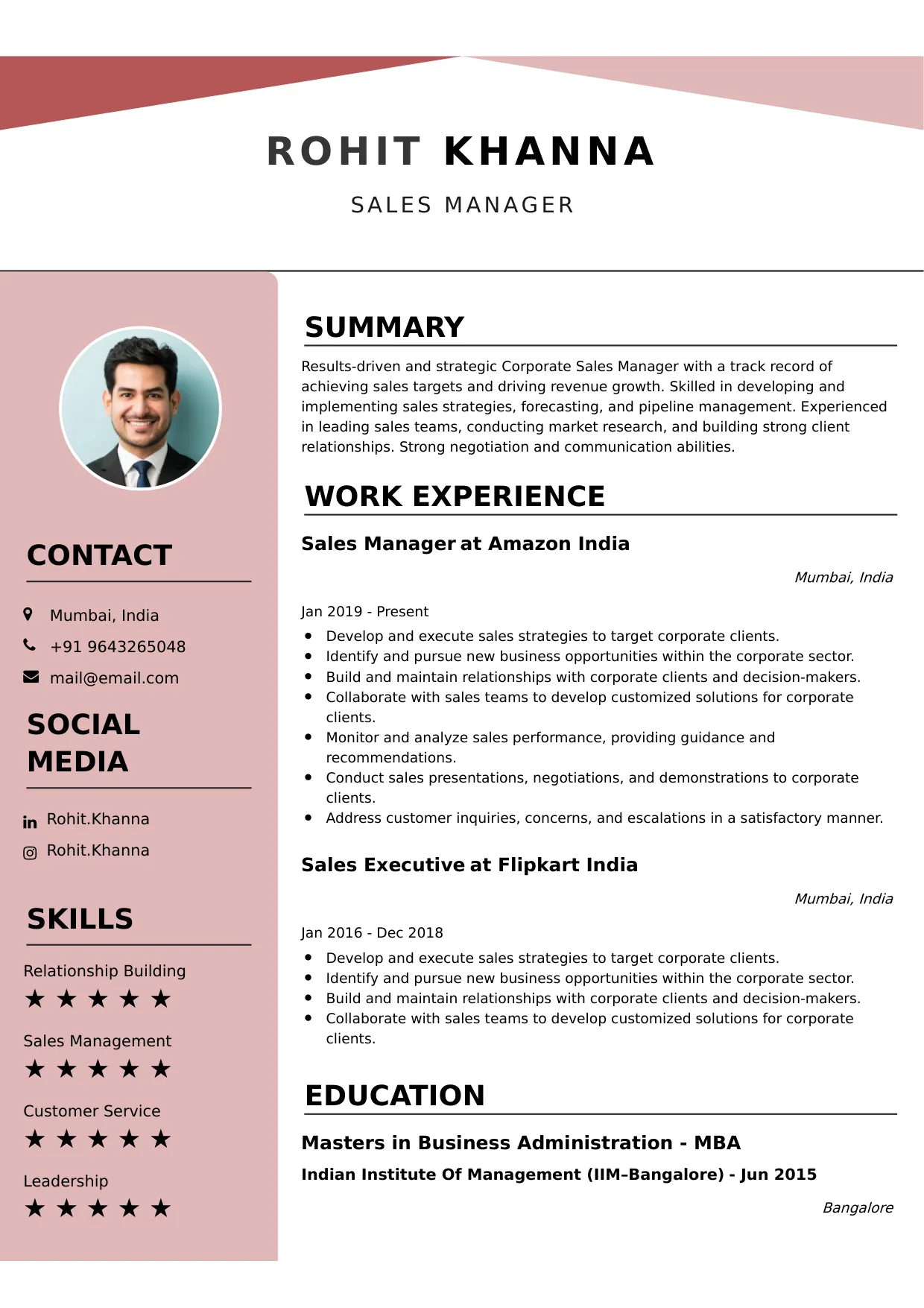
Receptionist
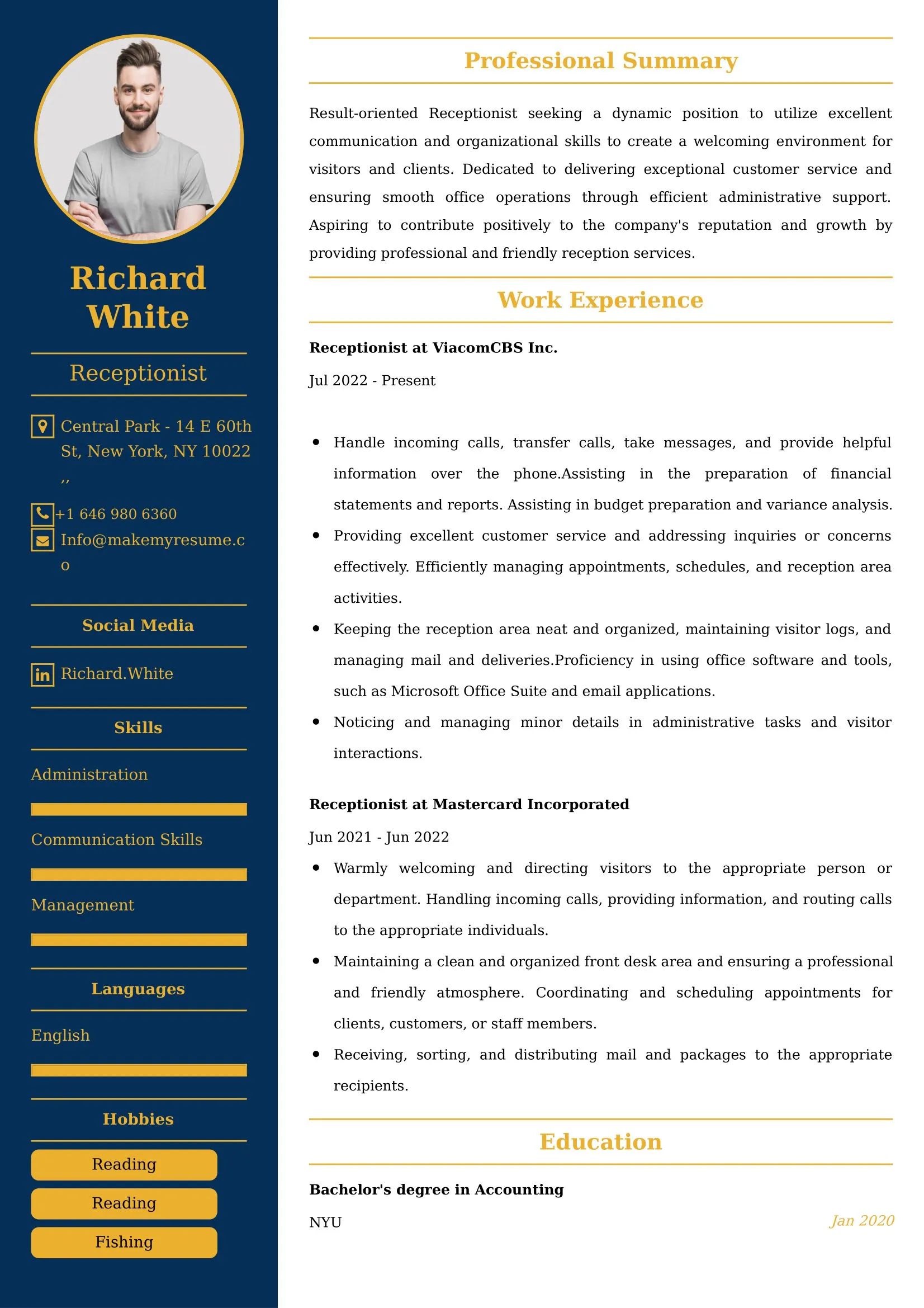
Welcome to our Receptionist resume sample page! This expertly crafted resume template is designed to showcase your expertise in managing the front office, greeting visitors, handling communications (phone/email), scheduling appointments, and providing essential administrative support in corporate, medical, or institutional settings. Whether you work in a corporate lobby or a busy office, this sample highlights key skills like Professional Communication, Multi-line Phone Systems, Scheduling/Calendaring, Data Entry Accuracy, and Organizational Excellence tailored to meet top organizational demands. Use this guide to create a polished, results-driven resume that stands out and secures your next career opportunity.
Superbresume.com empowers Receptionists to craft resumes that highlight their customer service excellence and administrative efficiency. Our platform offers customizable templates tailored for front-office roles, emphasizing skills like advanced call management, visitor sign-in software proficiency, scheduling software mastery, and seamless internal/external communication. With ATS-optimized formats, expert-written content suggestions, and real-time resume analysis, we ensure your resume aligns with job descriptions. Showcase your experience in successfully managing a high-volume switchboard, maintaining a flawless appointment calendar, or streamlining the visitor check-in process with confidence. Superbresume.com helps you create a polished, results-driven resume that grabs hiring managers’ attention and lands interviews.
How to Write a Resume for a Receptionist
Craft a Targeted Summary: Write a 2-3 sentence summary highlighting your expertise in front office management and customer service, proficiency in multi-line phone systems and scheduling, and success in ensuring efficient workflow and a welcoming professional environment.
Use Reverse-Chronological Format: List recent receptionist, front desk, or administrative assistant roles first, focusing on measurable customer service and organizational achievements.
Highlight Certifications/Training: Include credentials like Certified Administrative Professional (CAP) Associate, specialized scheduling software training (e.g., Outlook), or advanced customer service certification to boost credibility.
Quantify Achievements: Use metrics, e.g., “Managed a multi-line phone system, directing 100+ calls daily and reducing misdirected transfers by 90%,” or “Successfully scheduled and confirmed 50+ appointments/meetings weekly, maintaining a 95% on-time start rate,” to show impact.
Incorporate Keywords: Use terms like “Front Office Management,” “Professional Communication (Phone/Email),” “Scheduling & Calendar Management,” “Visitor Management (Sign-in Software),” “Multi-Line Phone System,” “Administrative Support,” or “Organizational Excellence” from job descriptions for ATS.
Detail Administrative Skills: List proficiency with specific software (Outlook, MS Office Suite, scheduling tools), visitor management systems, mail/courier handling, basic data entry, and strong professional etiquette in a dedicated skills section.
Showcase Operational Success: Highlight 3-4 key responsibilities or projects (e.g., managing the conference room booking system, streamlining the visitor check-in process, handling high-volume seasonal calls), detailing the scope and the efficiency/accuracy result.
Emphasize Soft Skills: Include professionalism, efficiency, strong communication, organization, attention to detail, and a positive, welcoming demeanor.
Keep It Concise: Limit your resume to 1 page, focusing on relevant front office, administrative, and service experience.
Proofread Thoroughly: Eliminate typos or jargon for a professional document.
Virtual Meeting Coordination: Focus on expertise setting up and managing technology for internal and external virtual meetings (Zoom/Teams), ensuring seamless connectivity and proper room setup.
Digital Visitor Management Systems: Highlight proficiency utilizing specialized software (e.g., Envoy, Teem) for visitor check-in, badge printing, and notifying hosts securely and efficiently.
Security and Access Control: Showcase experience managing physical access (badges, door codes) and serving as the primary security checkpoint for the facility, adhering to visitor protocols.
Multi-Channel Communication: Detail expertise managing high-volume communication across multiple channels: multi-line phone, professional email, and instant messaging/chat systems.
Scheduling and Resource Management: Emphasize advanced skills in scheduling complex meetings, coordinating conference room resources, and managing shared administrative calendars.
Metrics-Driven Achievements: Use results like “Maintained a 99% accuracy rate on data entry for client/visitor logs” or “Reduced the time required for visitor sign-in by 30% by implementing a new digital system.”
Cross-Functional Administrative Support: Include experience providing direct scheduling and travel assistance to a group of executives or coordinating administrative tasks across multiple departments.
Troubleshooting (Basic Office Tech): Highlight proficiency troubleshooting basic issues with printers, Wi-Fi connectivity, and meeting room AV equipment.
Choose Superbresume.com to craft a Receptionist resume that stands out in the essential administrative and service sector. Our platform offers tailored templates optimized for ATS, ensuring your skills in professional communication, scheduling, and organizational excellence shine. With expert guidance, pre-written content, and real-time feedback, we help you highlight achievements like managing high call volume efficiently or streamlining the visitor experience. Whether you support a corporate or medical office, our tools make it easy to create a polished, results-driven resume. Trust Superbresume.com to showcase your expertise in reliable, efficient, and professional front-line support. Start building your career today!
20 Key Skills for a Receptionist Resume
| Professional Communication (Phone/Email Etiquette) | Multi-Line Phone System Operation & Call Triage |
| Scheduling & Calendar Management (Outlook/Google) | Visitor Management & Security Protocol |
| Administrative Support (Filing, Data Entry, Mail) | Organizational Excellence & Front Office Maintenance |
| MS Office Suite (Word, Excel, Outlook) | Meeting Setup & Coordination (AV/Logistics) |
10 Do’s for a Receptionist Resume
Tailor Your Resume: Customize for the specific environment (e.g., corporate lobby, busy medical office, school front desk).
Highlight Certifications/Training: List CAP Associate or specialized software/communication training prominently.
Quantify Achievements: Include metrics on call volume handled daily, accuracy rates, or efficiency gains in check-in/scheduling.
Use Action Verbs: Start bullet points with verbs like “managed,” “scheduled,” “processed,” “greeted,” or “maintained.”
Showcase Organizational Success: Detail a project or duty that measurably improved front office workflow or efficiency.
Include Soft Skills: Highlight professionalism, efficiency, strong communication, and attention to detail.
Optimize for ATS: Use standard administrative section titles and incorporate key scheduling and communication terms.
Keep It Concise: Limit your resume to one page, focusing on relevant front office and administrative experience.
Emphasize Communication and Organization: Clearly articulate expertise in handling high-volume communication and maintaining order.
Proofread Thoroughly: Eliminate typos or jargon for a professional document.
10 Don’ts for a Receptionist Resume
Don’t Overload with Jargon: Avoid confusing, internal company or system acronyms; use standardized administrative terminology.
Don’t Exceed One Page: Keep your resume sharp and focused on the most relevant, measurable duties.
Don’t Omit Dates: Include employment dates for career context.
Don’t Use Generic Templates: Tailor your resume specifically to the service and administrative duties of a Receptionist.
Don’t List Irrelevant Skills: Focus on front office, communication, scheduling, and administrative systems.
Don’t Skip Metrics: Quantify results wherever possible; link achievements to call volume, efficiency, or accuracy.
Don’t Use Complex Formats: Avoid highly stylized elements or confusing graphics.
Don’t Ignore Technology: Include explicit experience with multi-line phones and scheduling software.
Don’t Include Outdated Experience: Omit non-administrative or irrelevant jobs over 10 years old.
Don’t Forget to Update: Refresh for new software mastery, successful organizational projects, or advanced communication training.
5 FAQ's for a Receptionist Resume
"Managed a 12-line switchboard while coordinating check-ins for 50+ daily visitors in a high-traffic lobby."
Microsoft Outlook (Advanced calendaring), Visitor Management Systems (Envoy), and Excel.
"Served as the primary brand ambassador, ensuring a professional and welcoming first impression for all executive clients."
Yes. "Administered building access protocols, including badge issuance and temporary credential management."
"Redesigned the conference room booking process, eliminating 100% of double-booking conflicts."
Get 5x more interviews with our crafted Resumes. We make resumes that land jobs.

Get a Free Customized Cover Letter with Resume Expert Advice
with every resume order placed, you will get a free Customized Cover letter.